
 Deutsch
 English
 Español
 Français
 Polski
 Português (BR)
 Türkçe
 Русский
-
How to practice
Enable cheats on your own server:
sv_cheats 1Then open a lineup below, copy its setpos command and paste it into the console — you will stand exactly at the throw spot. Throw, watch where the smoke lands and repeat until it sticks.
-
Default window smoke
Video, both points on the map and the console command to practice — on the lineup page: Default window smoke.
Video file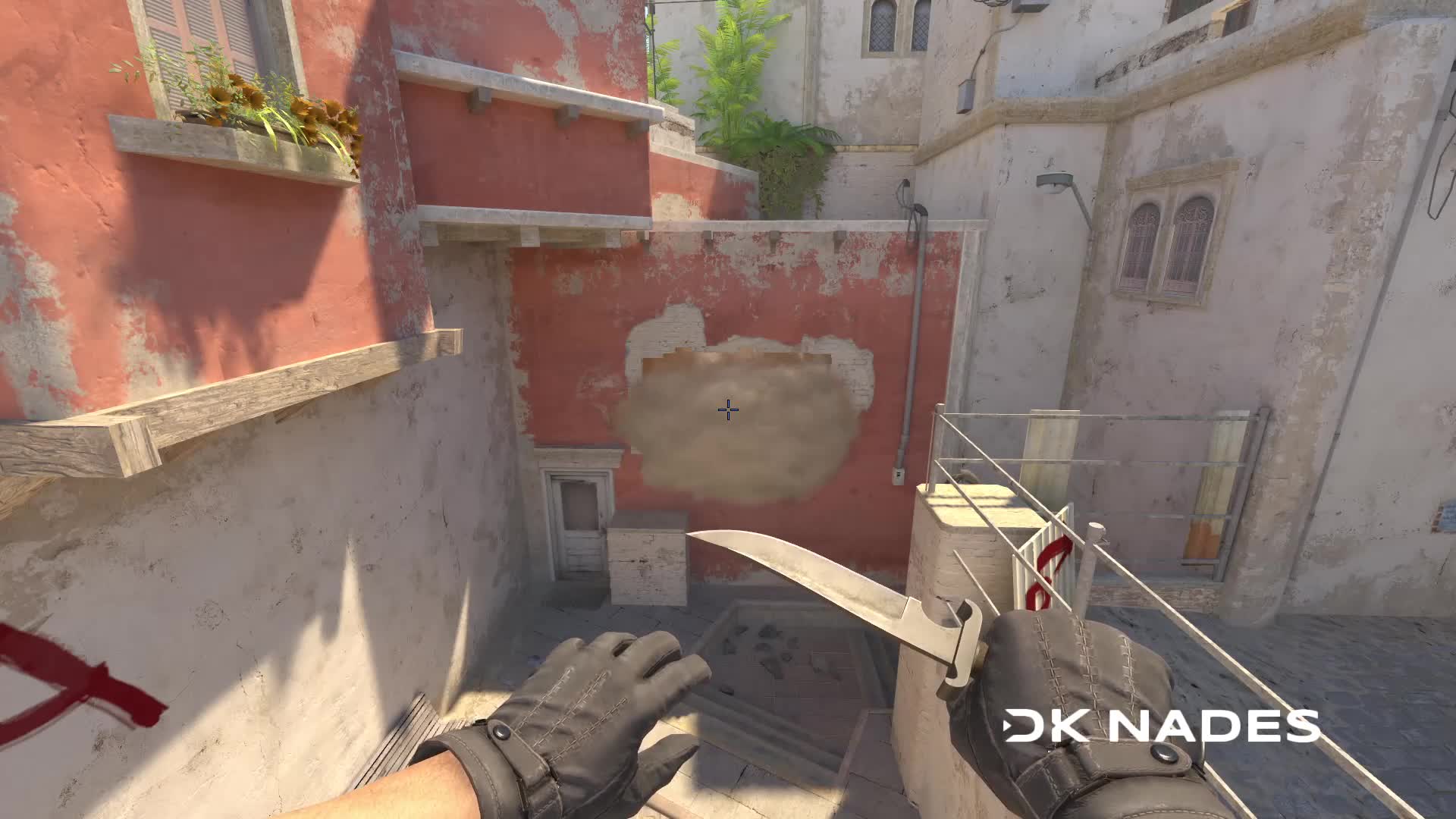
-
Default CT Smoke
Video, both points on the map and the console command to practice — on the lineup page: Default CT Smoke.
Video file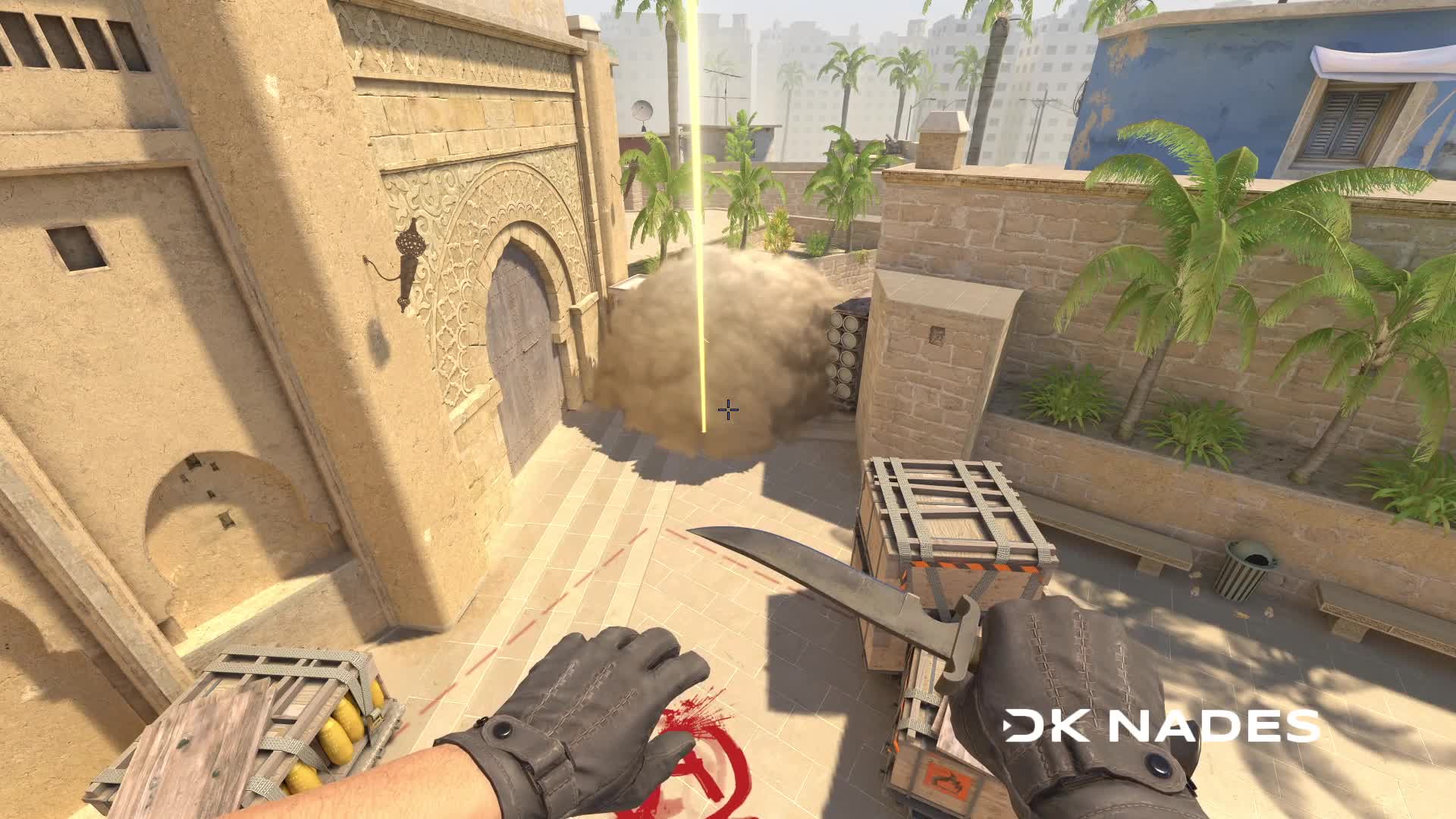
-
Default Stairs smoke
Video, both points on the map and the console command to practice — on the lineup page: Default Stairs smoke.
Video file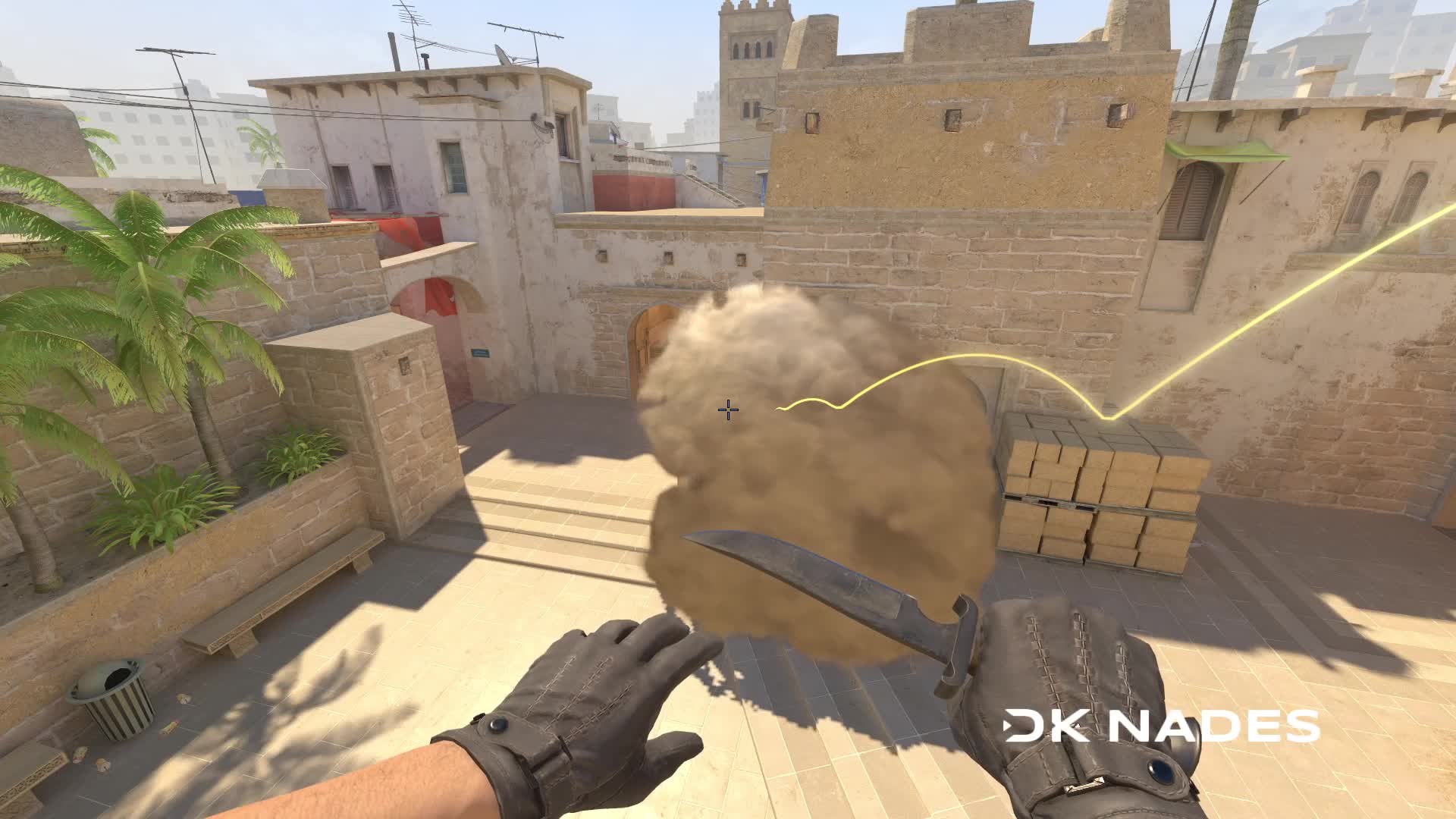
-
Default under stairs smoke
Video, both points on the map and the console command to practice — on the lineup page: Default under stairs smoke.
Video file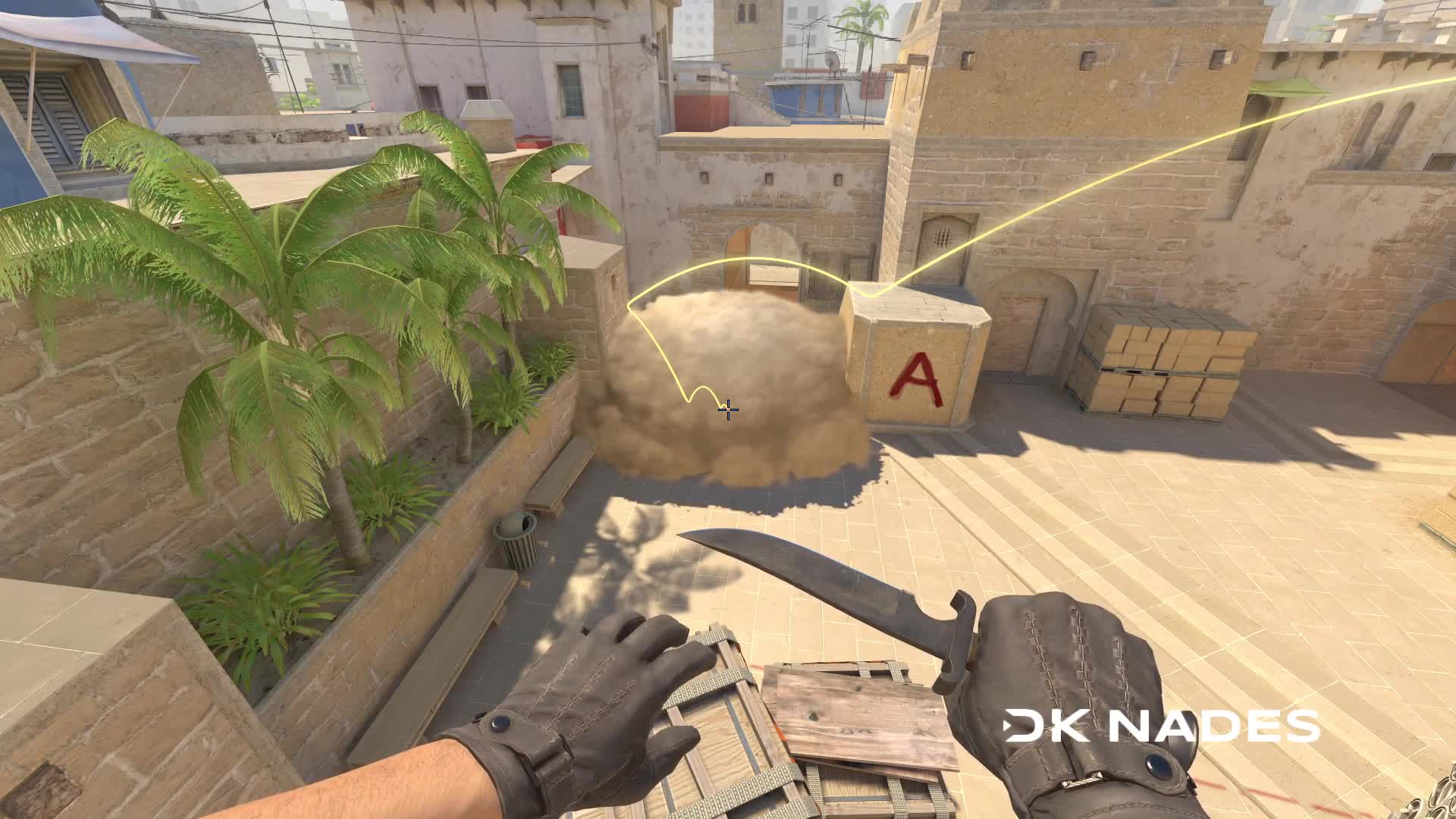
-
Default market main smoke
Video, both points on the map and the console command to practice — on the lineup page: Default market main smoke.
Video file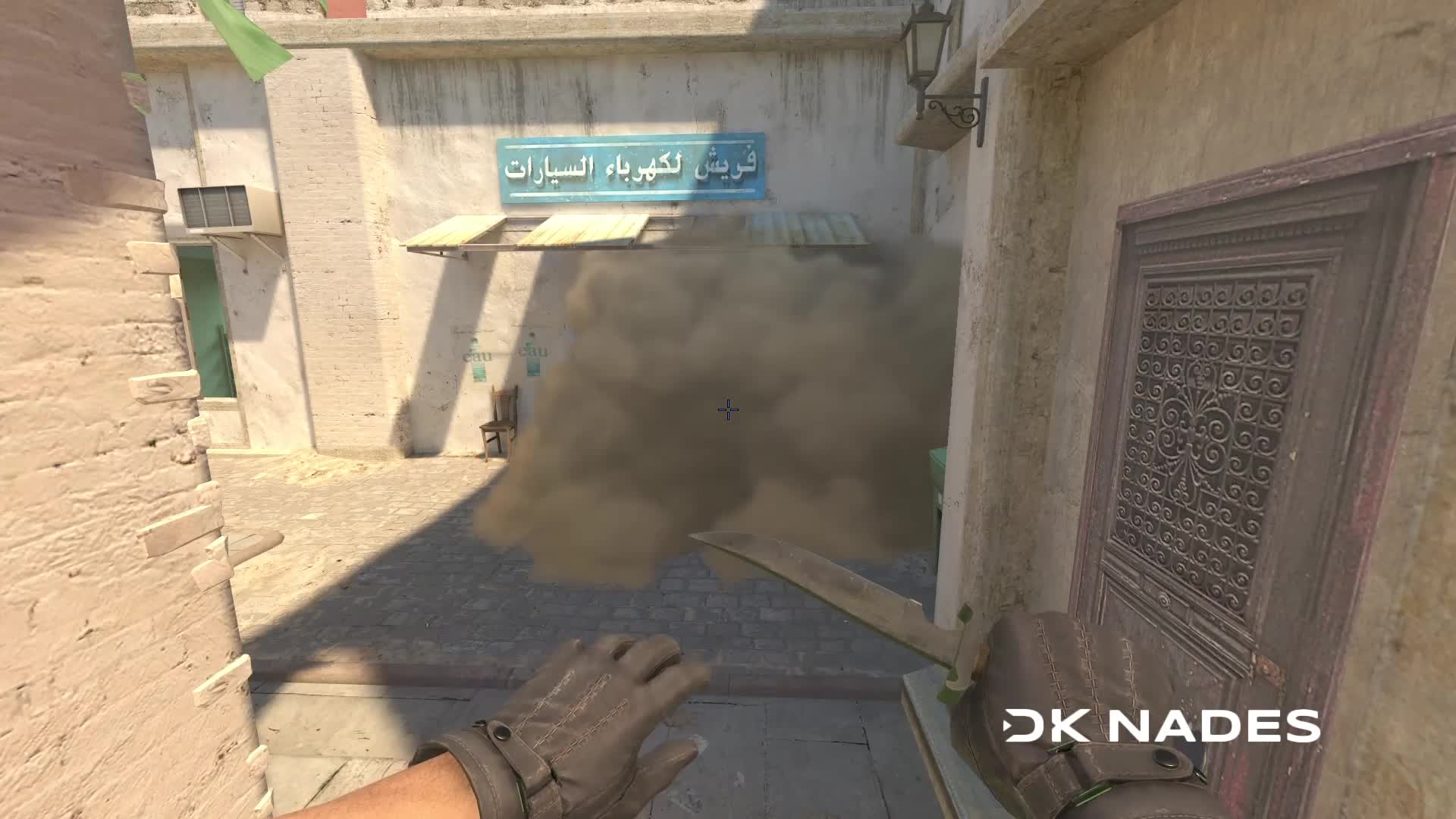
-
Default Market window smoke
Video, both points on the map and the console command to practice — on the lineup page: Default Market window smoke.
Video file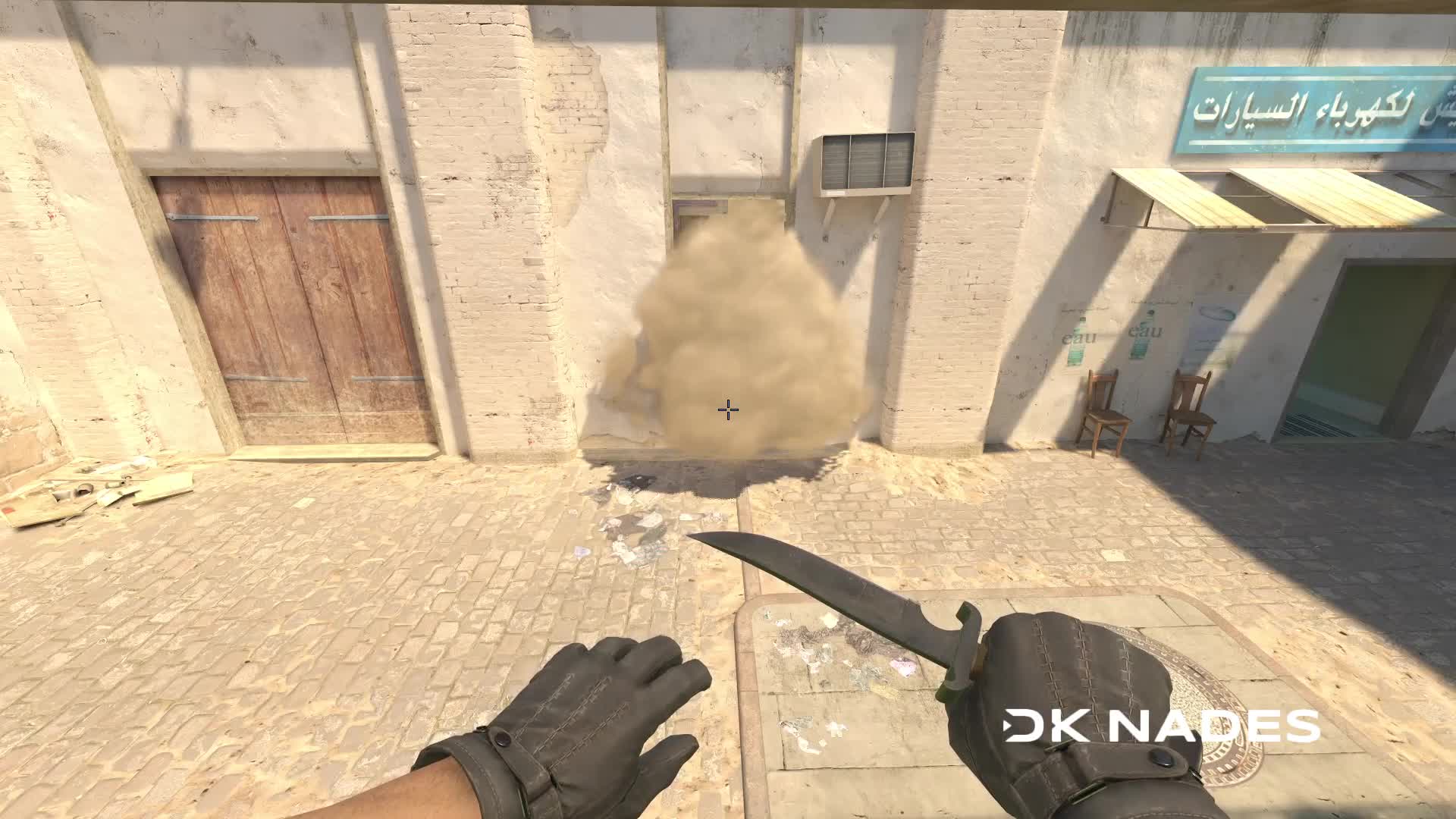
-
Default short smoke on b site
Video, both points on the map and the console command to practice — on the lineup page: Default short smoke on b site.
Video file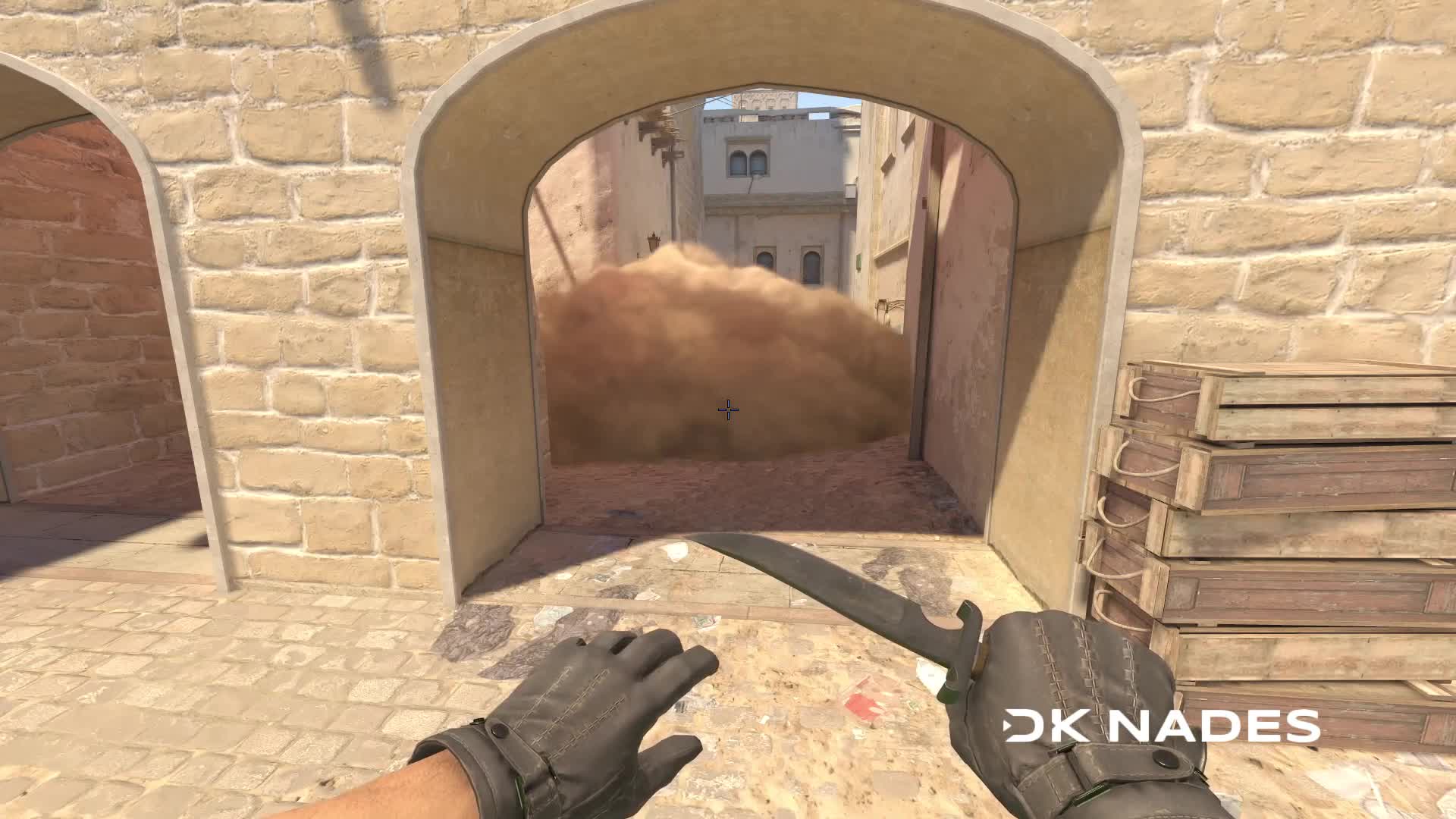
Default Smokes on Mirage
7 default smokes on Mirage — the ones you throw every round first. Every throw has a video, both points on the map and a console command to practice. Open a step, watch the throw, copy the setpos — and try it on a server.